

One-Minute Quick Start
Step 1: Download and Install
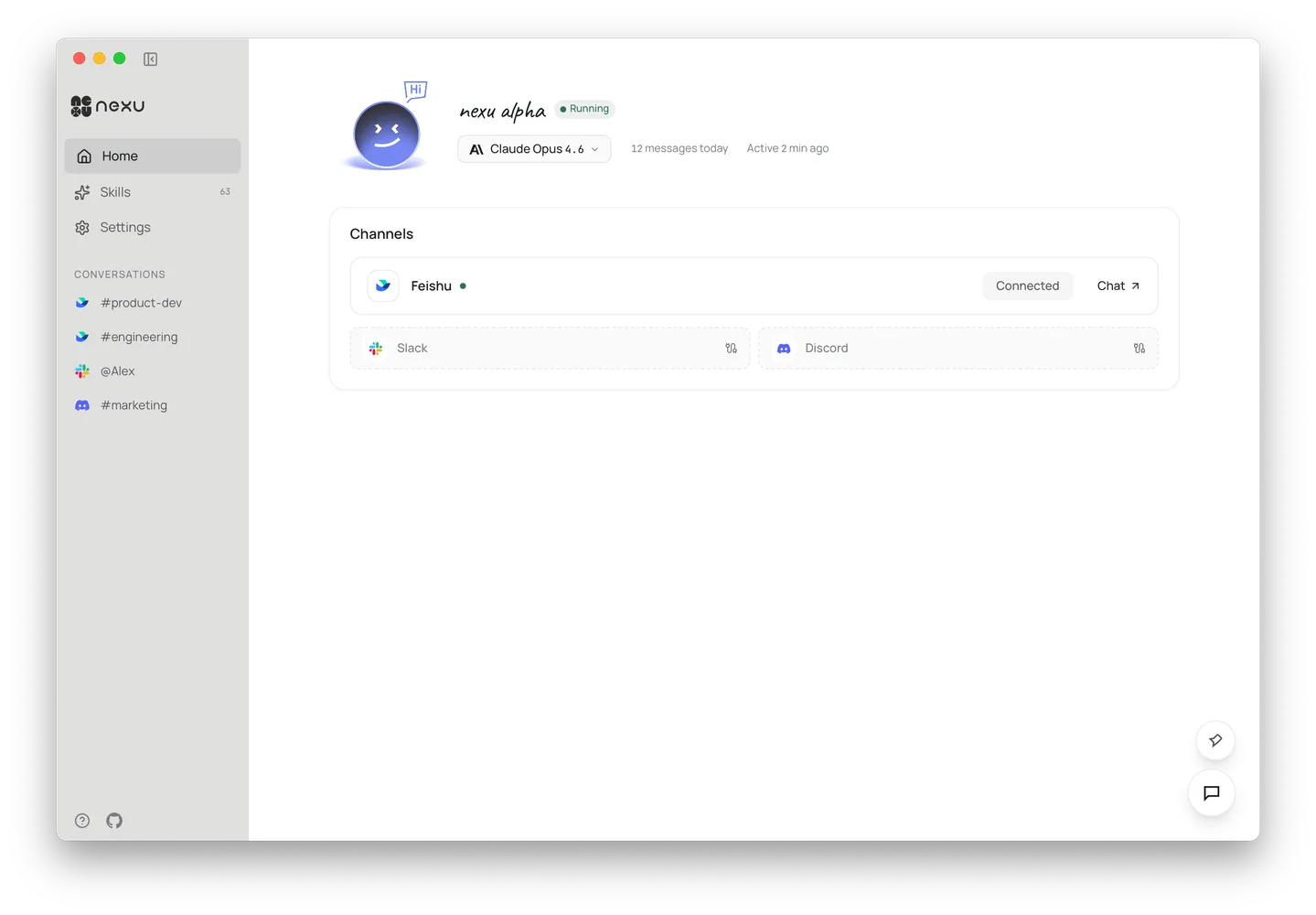
Download the nexu client, install it, and double-click to open.
Step 2: Choose Your Mode
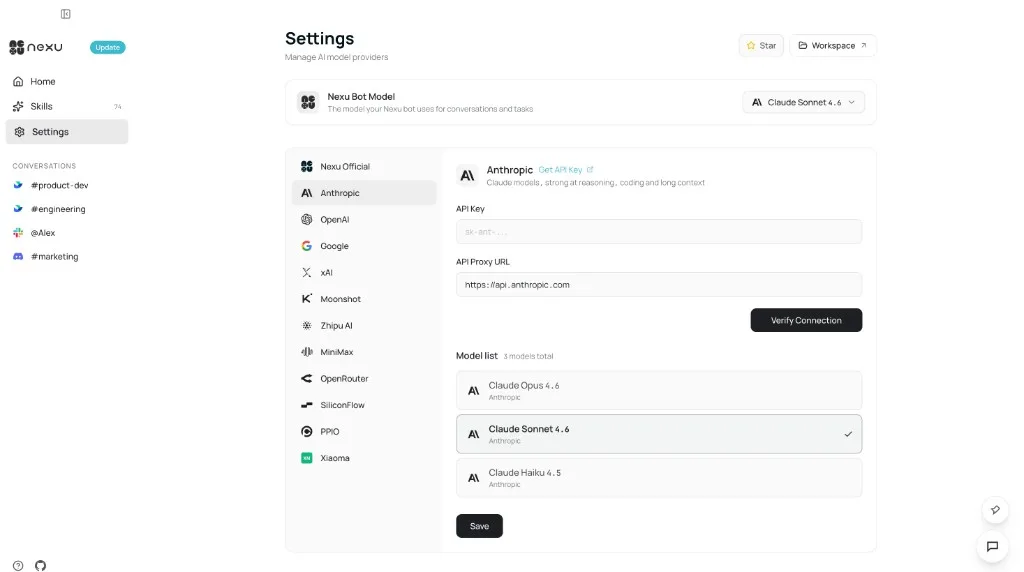
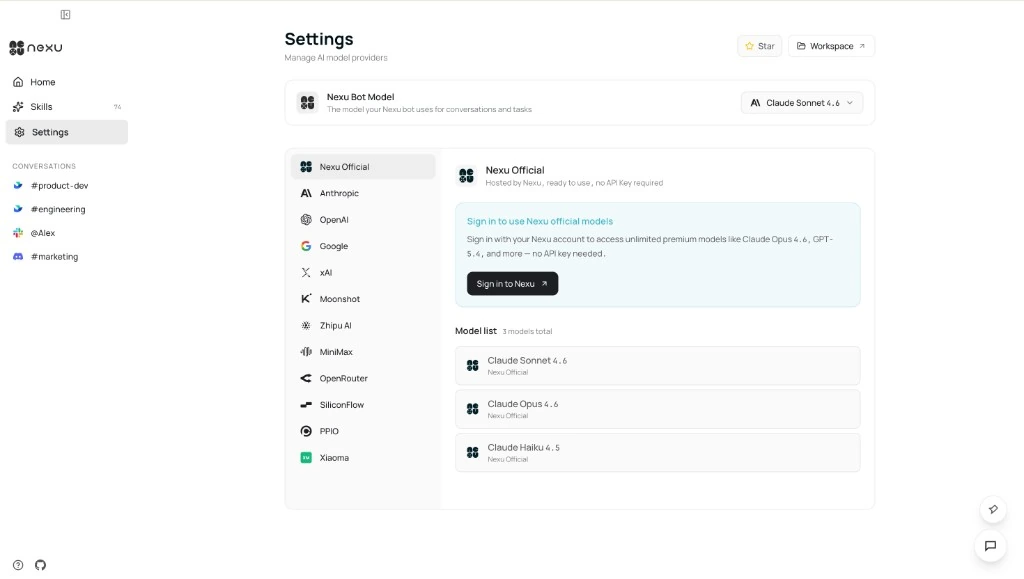
Open Settings from the left sidebar and pick an integration mode:
- Sign in — select Nexu Official, click Sign in to Nexu, and high-quality models are ready to use immediately
- BYOK mode — select a provider (Anthropic, OpenAI, etc.), paste your API Key, and click Save
Step 3: Configure a Channel
Pick one channel and complete the setup:
- Feishu — only need App ID + App Secret
- Slack — one-click app creation via manifest
- Discord — need Application ID + Bot Token
Once configured, click "Chat" to start talking to your Agent 🎉